


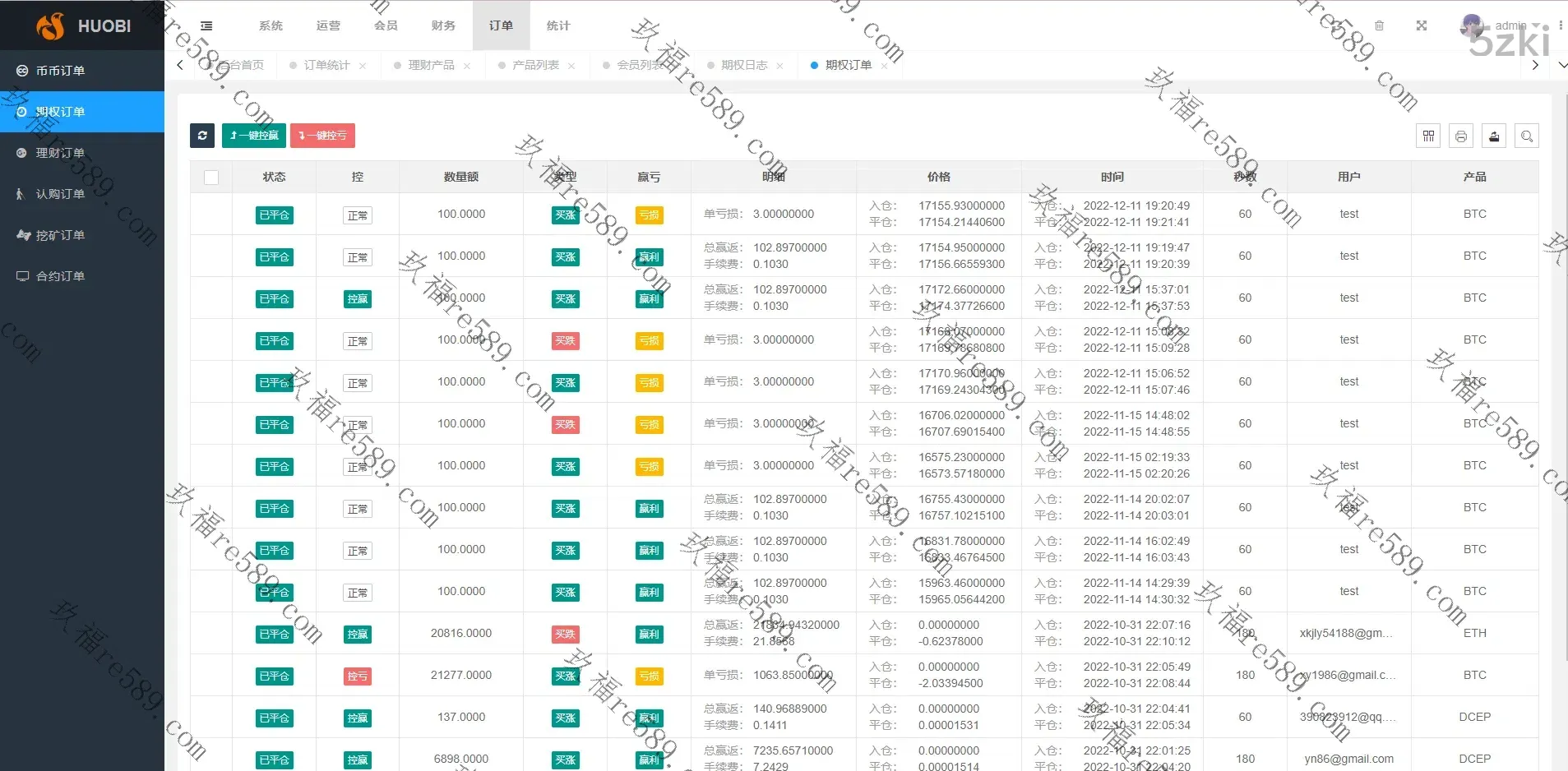
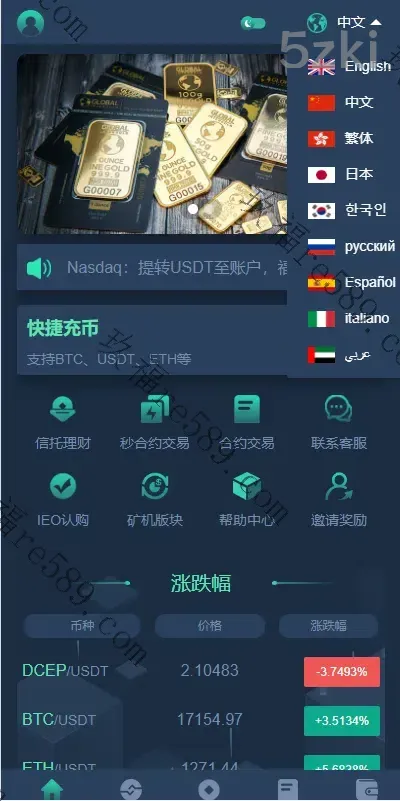
This set of source code with the market exchange comparison, this set of source code is considered to be the front and back end are 2025 new development of the
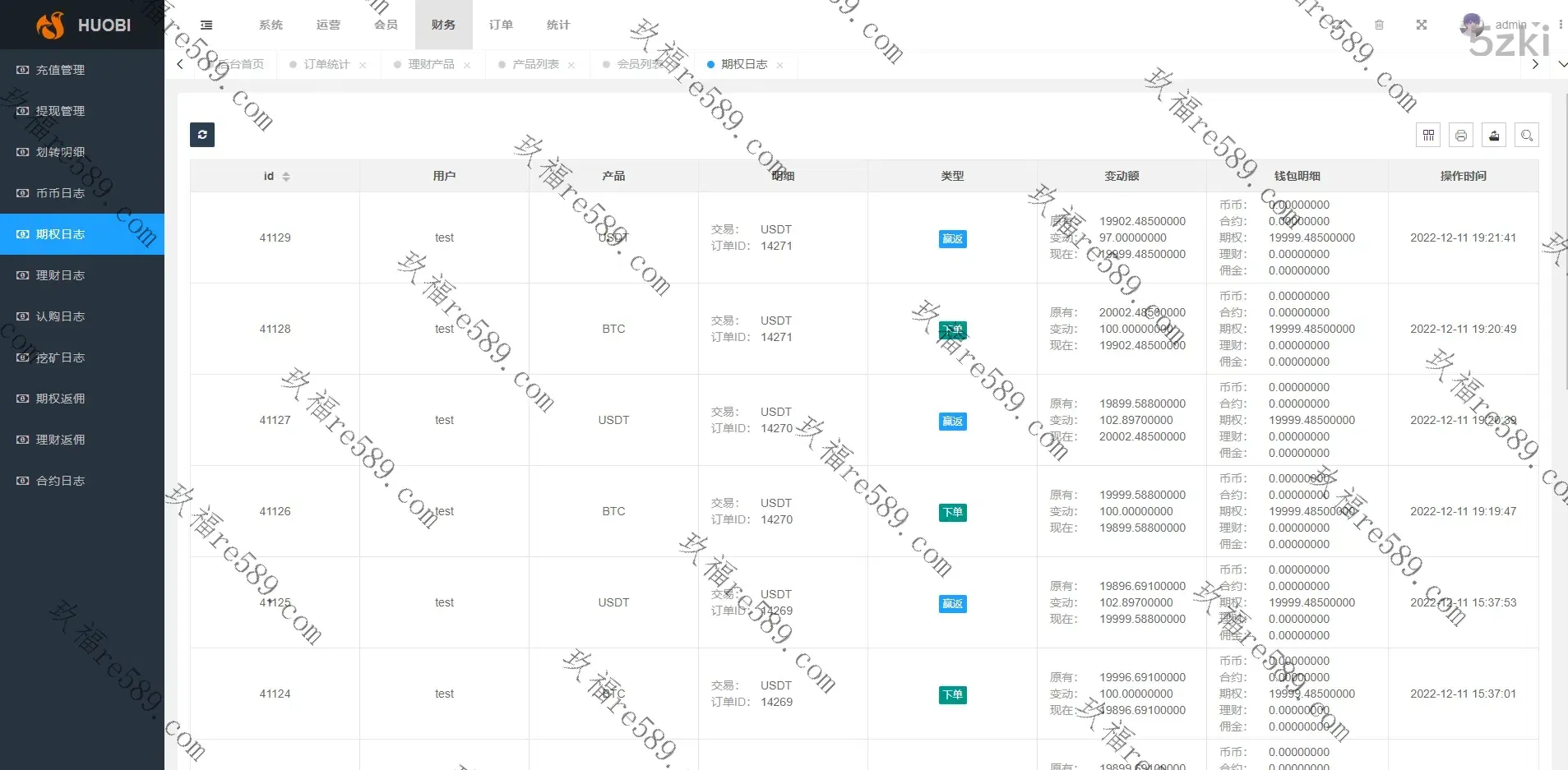
Front and back end are all open source, the front end are html development, the back end is TP framework This system is very full-featured, ui is also good, day and night
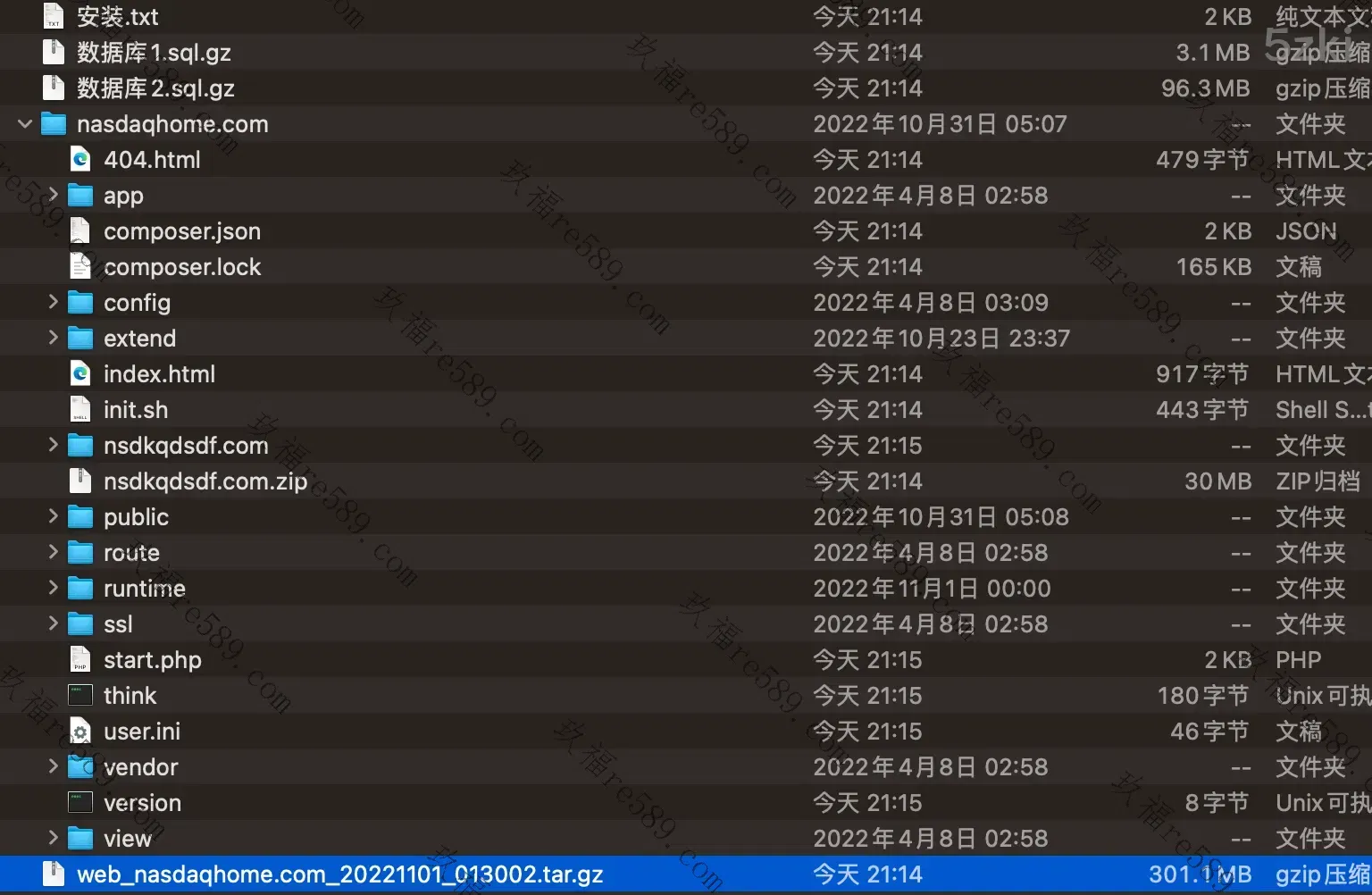
December source code complementary complete with a full tutorial instructions, non-market defective version, the market have to be less database less files, which can be built normally can not start the K line!
Tutorial:
To install es, use php version 7.2.
fileinfo and redis should be installed.
Open port 9200 2345 2348 1236
The script that starts the ticker, init.sh, is in the root directory.
Modify the database config/database.php
Create two new databases and import them
Running directory public pseudo-static thinkphp
nginx site configuration there
location ~/(wss|socket.io) {
# Just change the ip and port of the socket.io backend here.
proxy_pass http://127.0.0.1:2348.
proxy_set_header Upgrade $http_upgrade; proxy_set_header Connection "upgrade".
proxy_http_version 1.1.
proxy_set_header X-Forwarded-For $proxy_add_x_forwarded_for;
proxy_set_header Host $host.
}
Installation of es
rpm -import https://artifacts.elastic.co/GPG-KEY-elasticsearch
vi /etc/yum.repos.d/elasticsearch.repo
Insert the following code
[elasticsearch-7.x]
name=Elasticsearch repository for 7.x packages
baseurl=https://artifacts.elastic.co/packages/7.x/yum
gpgcheck=1
gpgkey=https://artifacts.elastic.co/GPG-KEY-elasticsearch
enabled=1
autorefresh=1
type=rpm-md
shift+: enter wq enter to save
5. Installation
yum install elasticsearch
6. Activation
service elasticsearch start
This is for the es installation.
modify a document
\\static\\\\\mobile\\\\\js\\\\\websocket.js
/static/index/js/websocket.js
Reference Modification Modification
if(site_type == 'test'){
var SOCKET_URL = local_socket;
}else if(site_type == 'online'){
var SOCKET_URL = api_socket;
var SOCKET_URL = 'wss://domain/wss/socket.io';
}
Background system configuration there, to configure the domain name and wss
You just need to configure the online
Backoffice/fox admin 123456
Change the key by yourself: ed696eb5bba1f7460585cc6975e6cf9bf24903dd
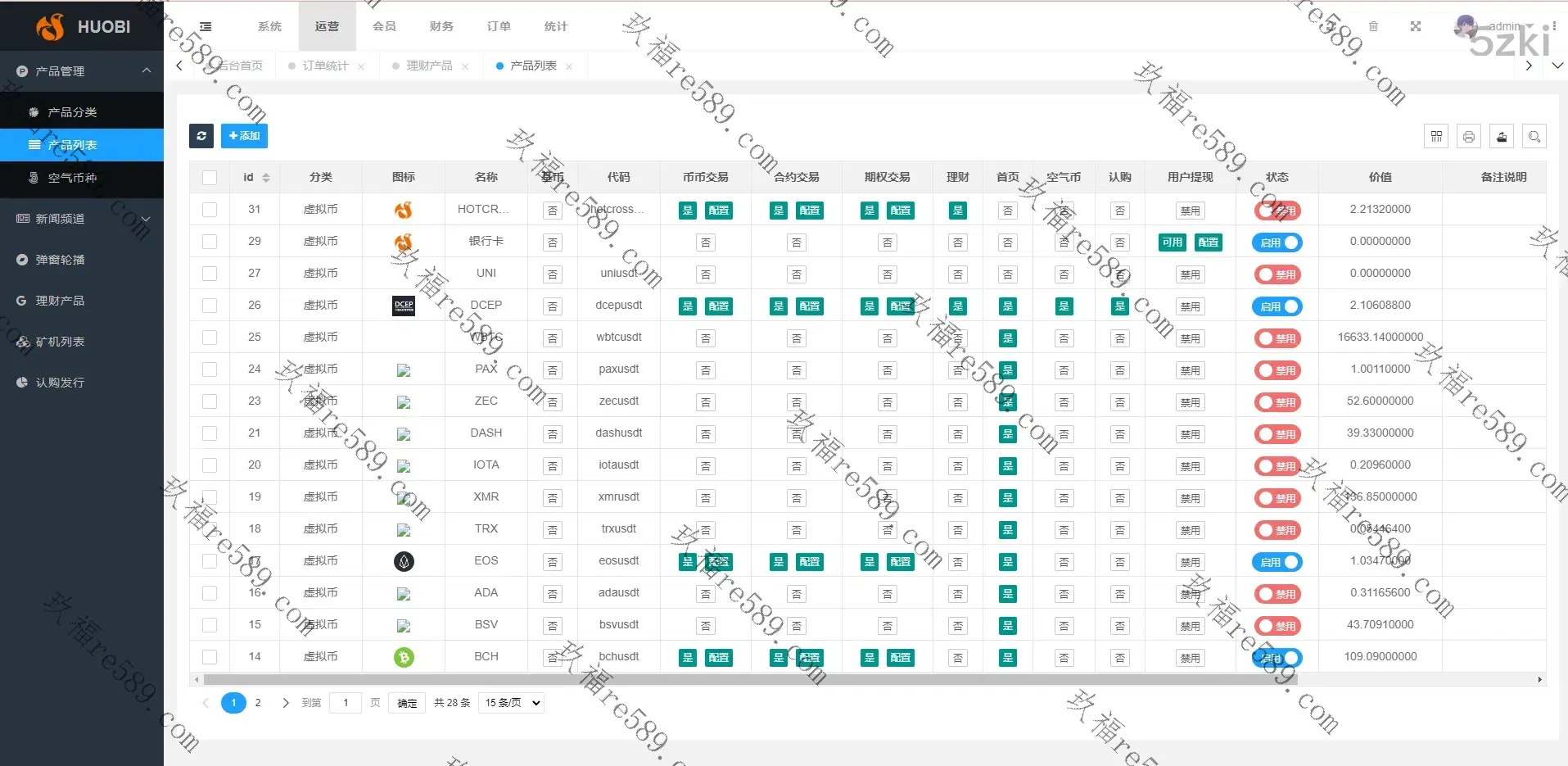
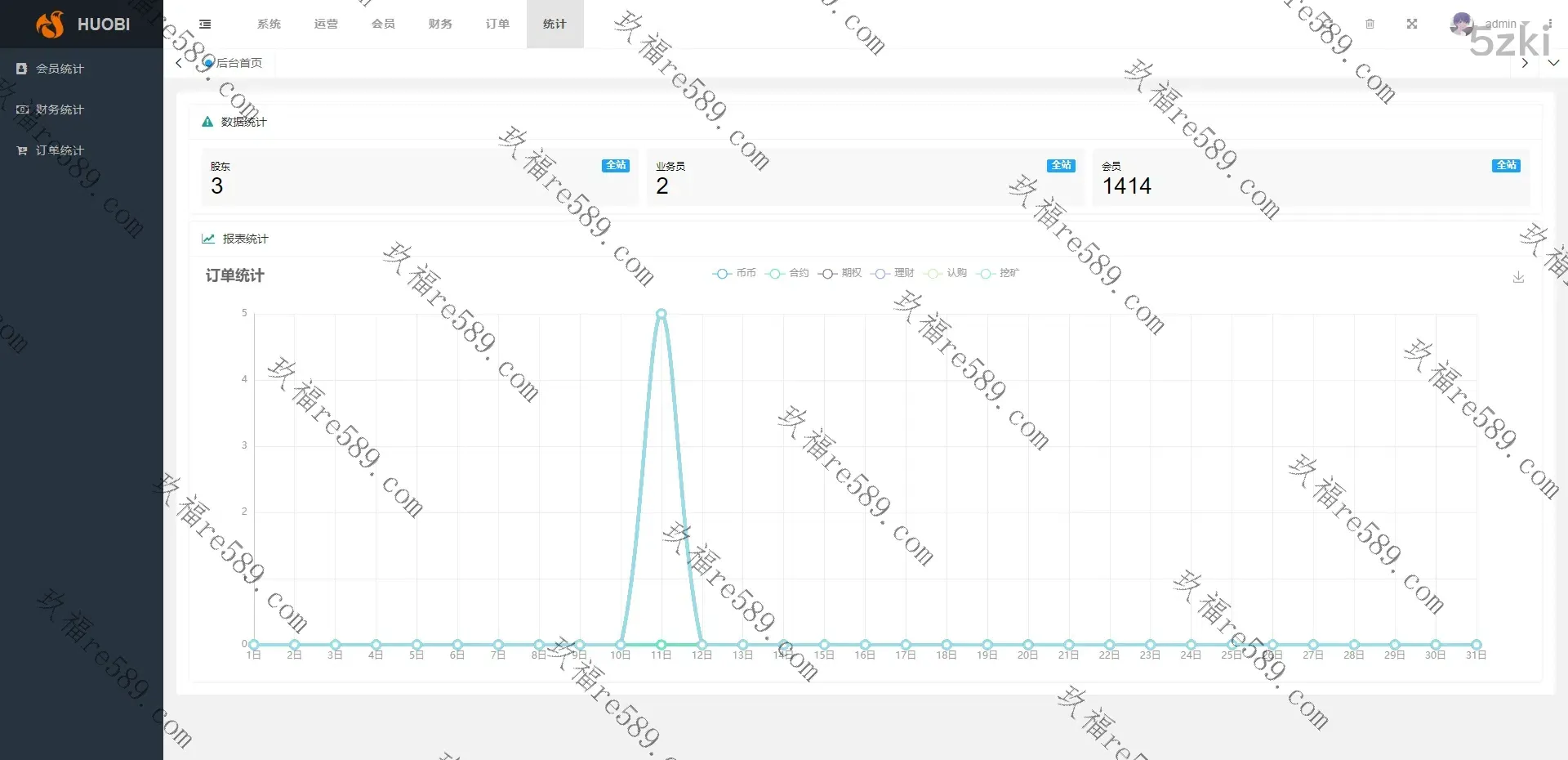
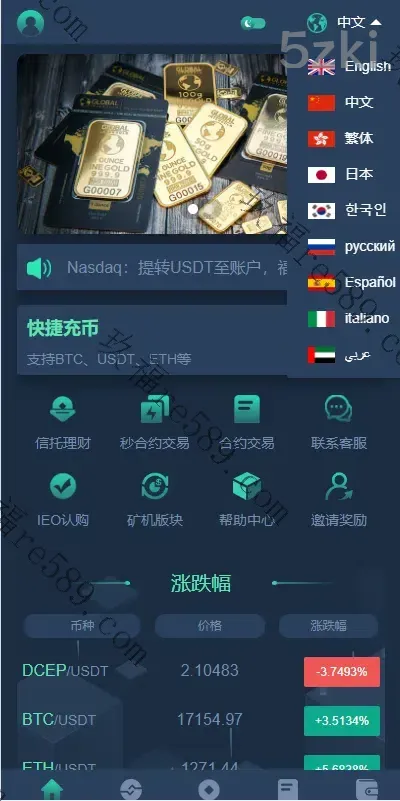
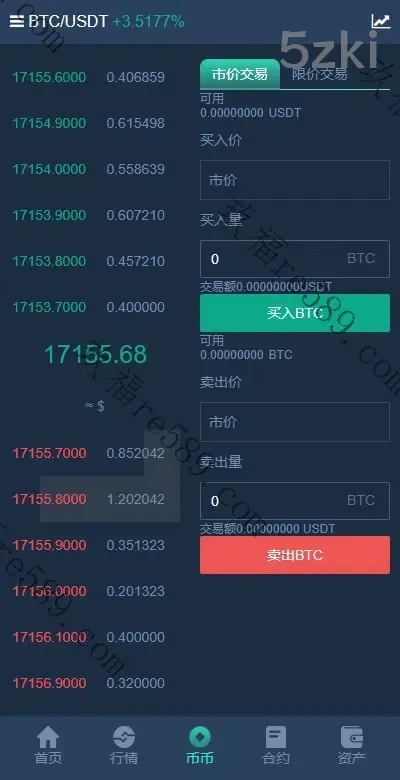
This webmaster can receive secondary development